 iOS App · Available now
A modern iOS control surface for the Russound® CAV6.6 multi-zone audio controller. Control every zone, build scenes, drive the tuner, and manage your entire system configuration — all from your iPhone.

Thirty seconds: the hardware you already own, and the app that finally talks to it.
Designed to feel right at home on iOS, with a dark interface tuned for quick, confident control.
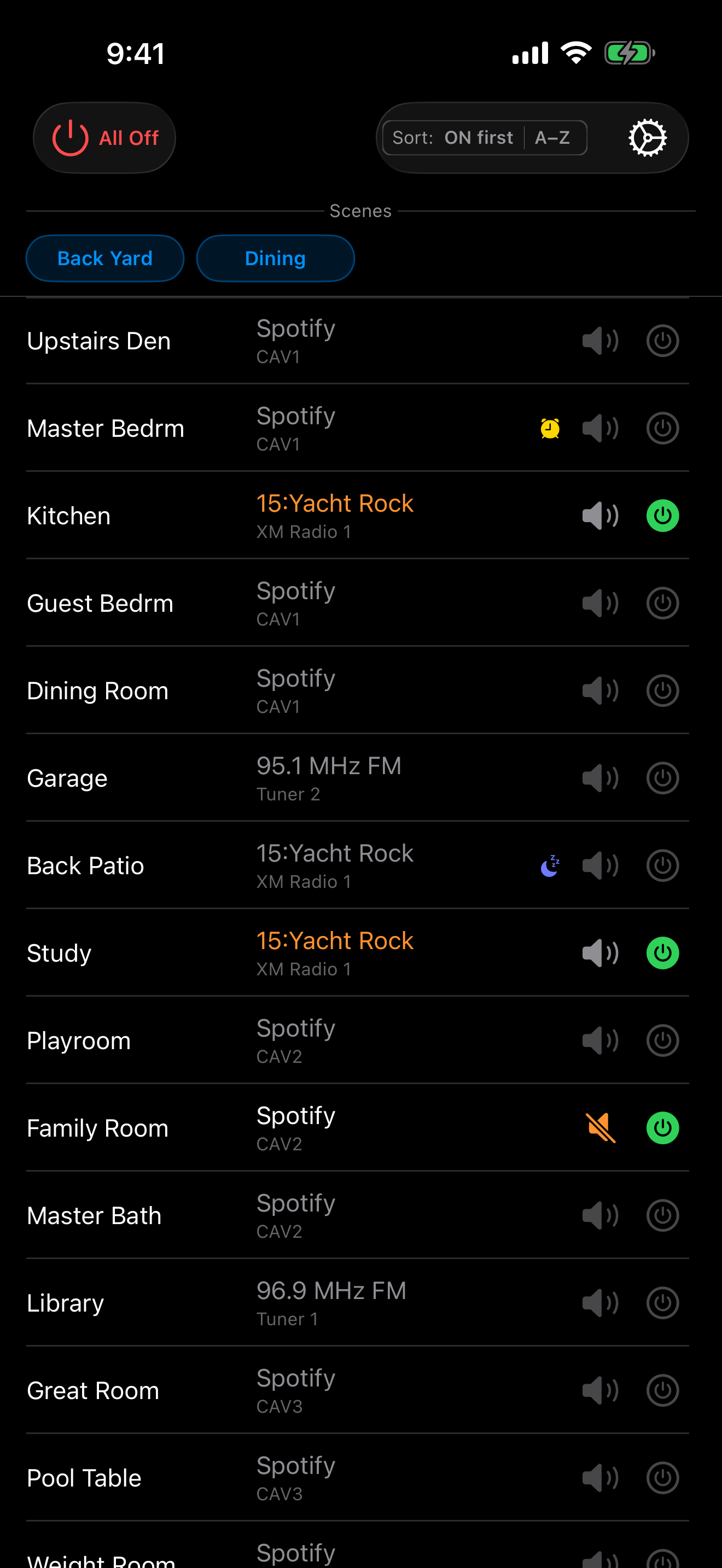
All zones at a glance
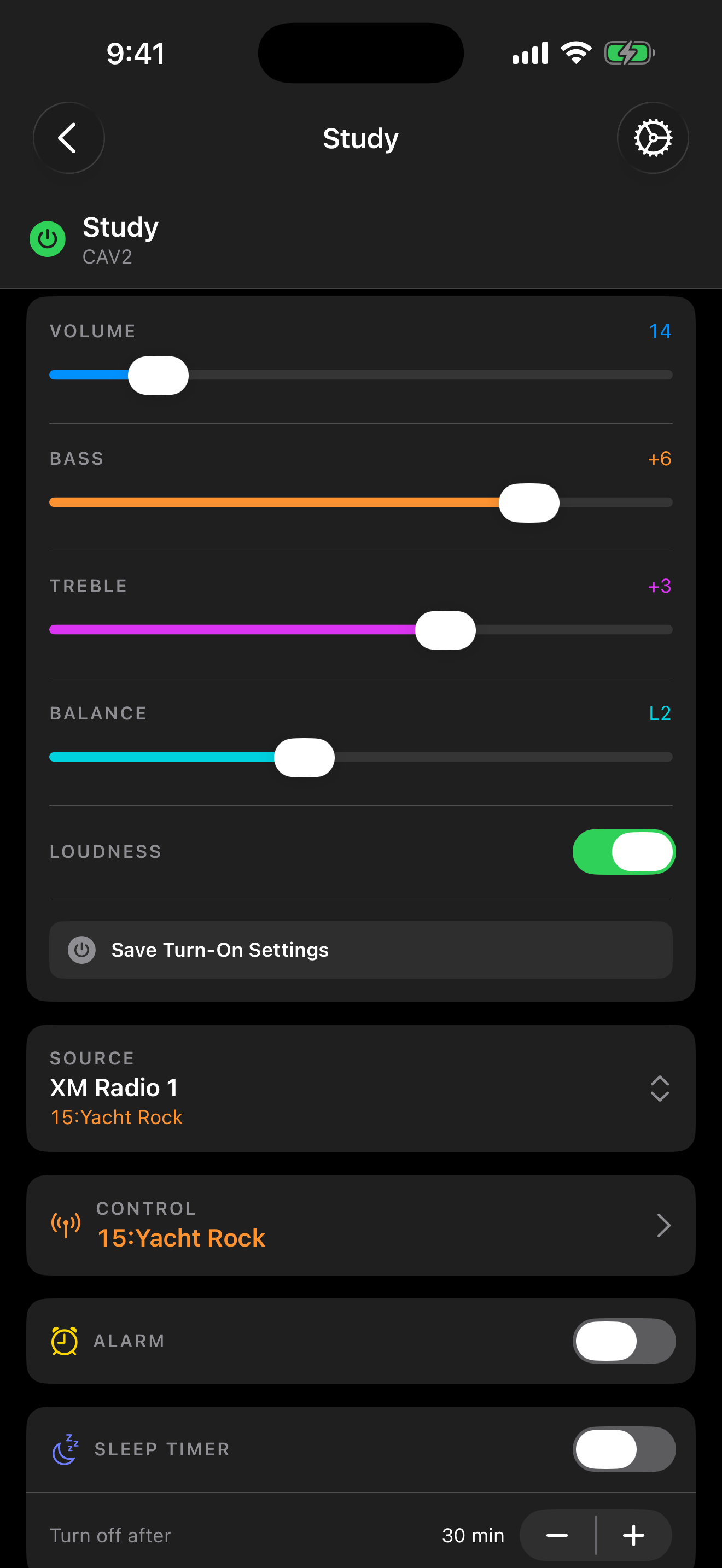
Per-zone audio control
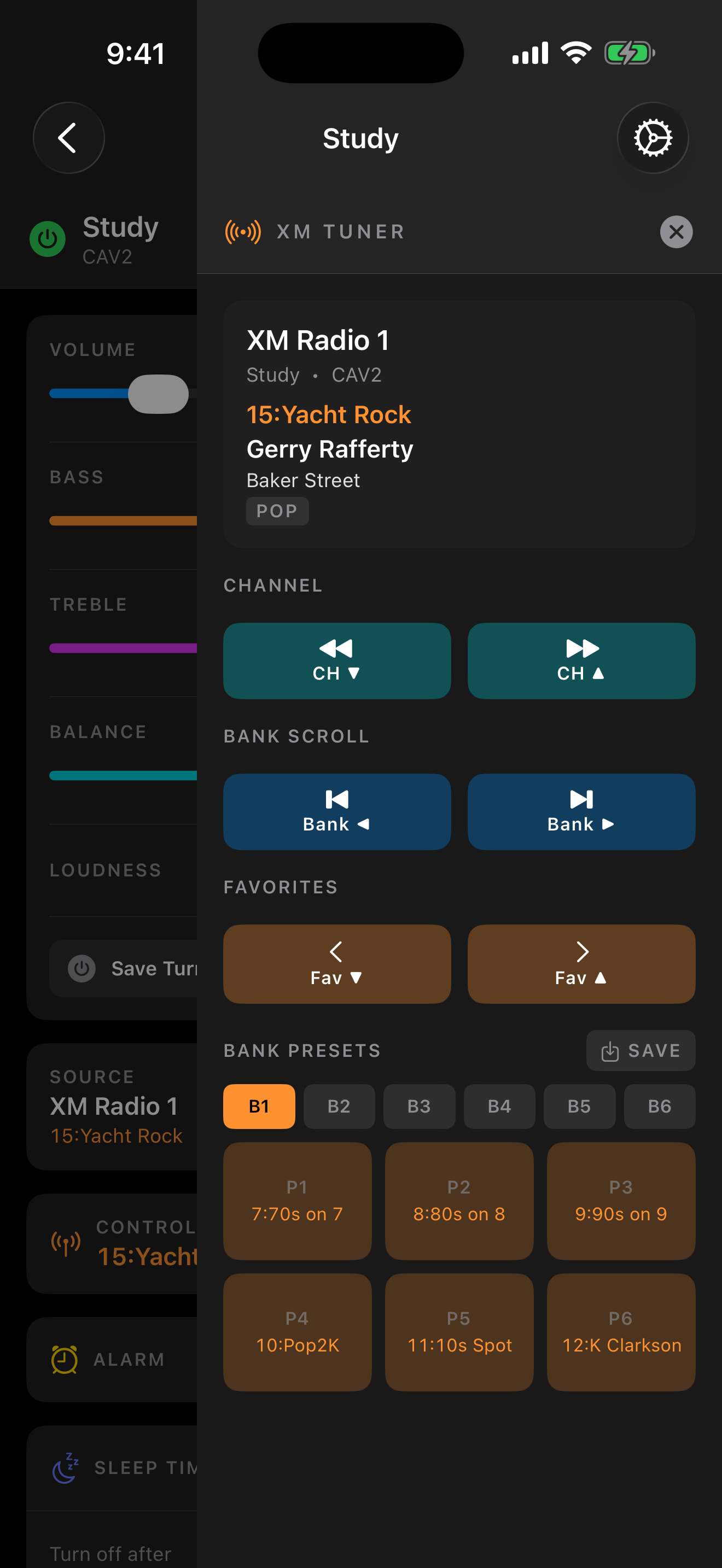
Tuner integration
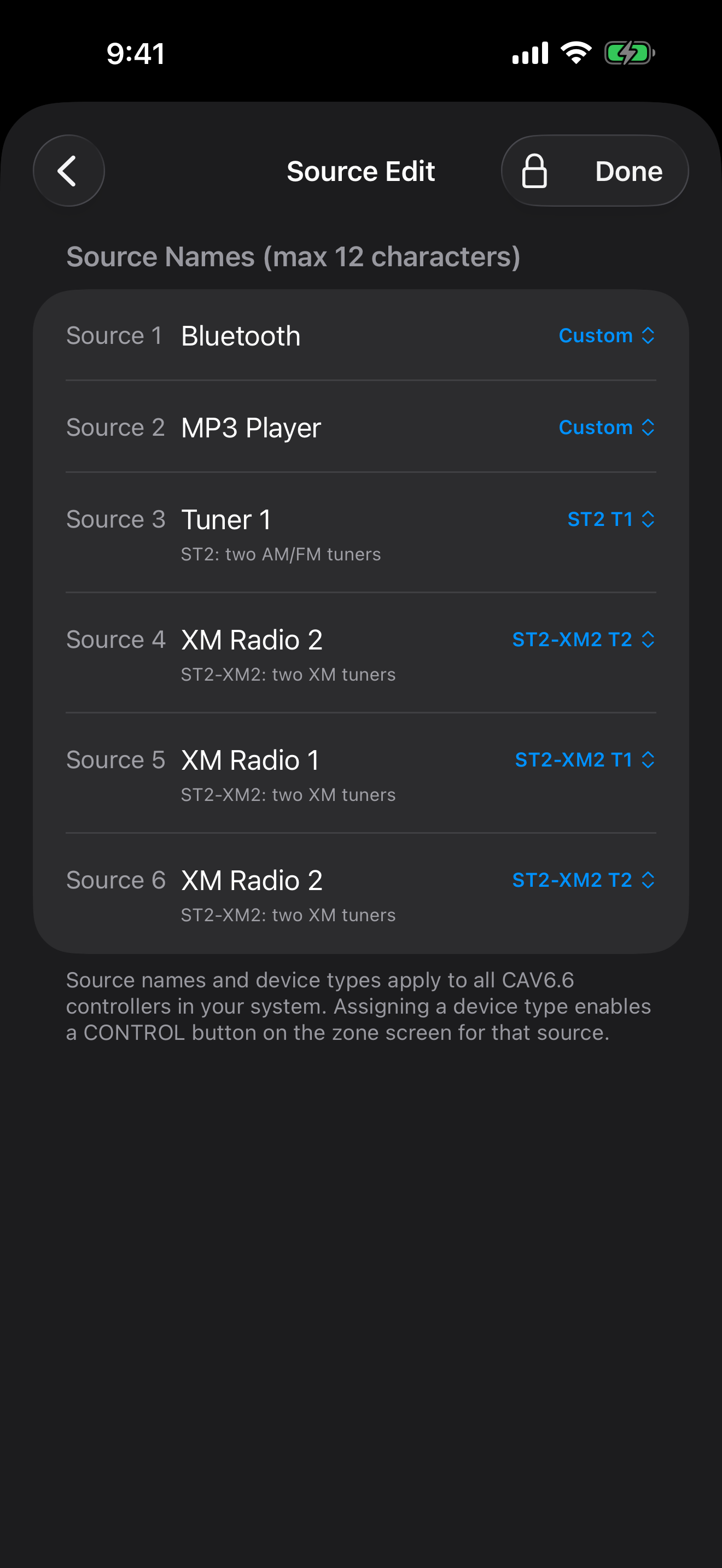
Configure sources & tuners
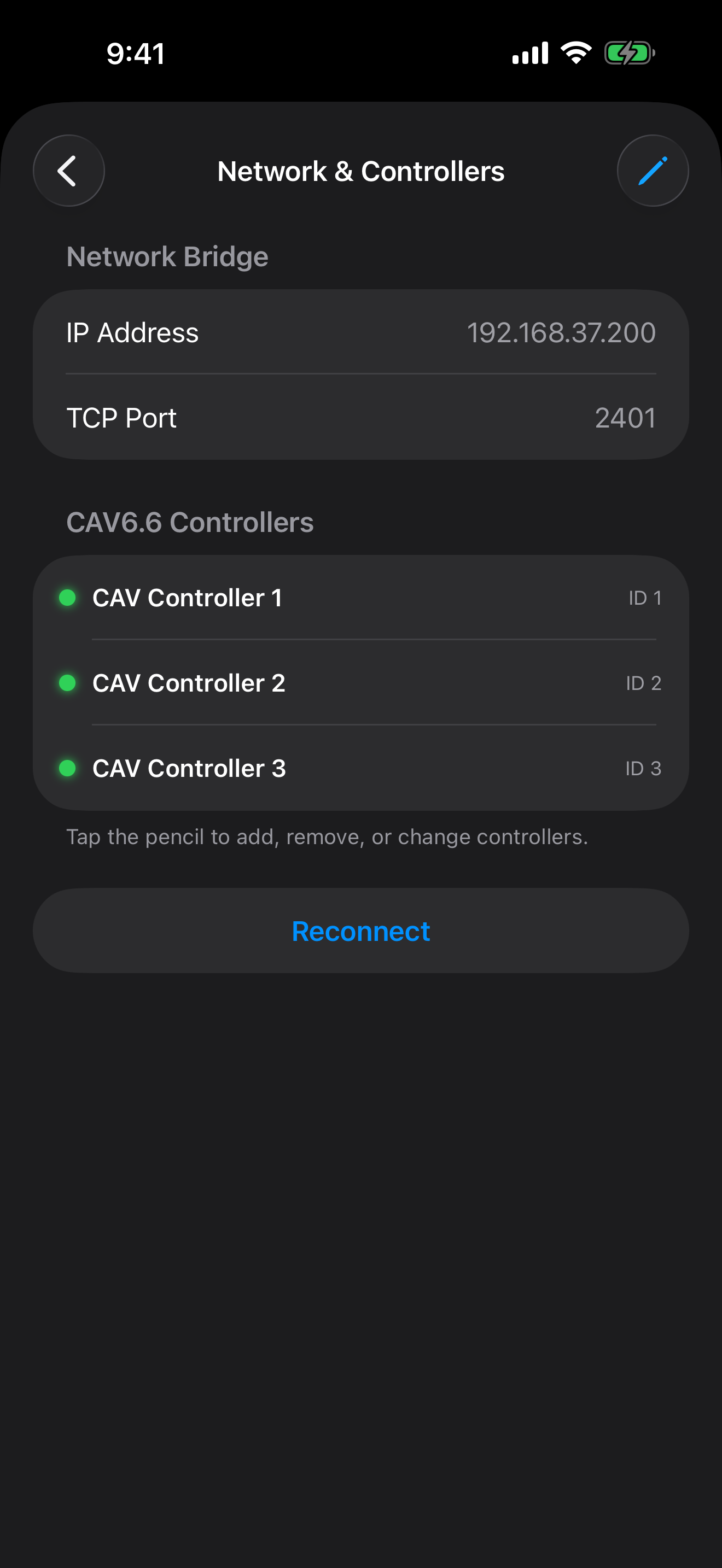
Connect every controller
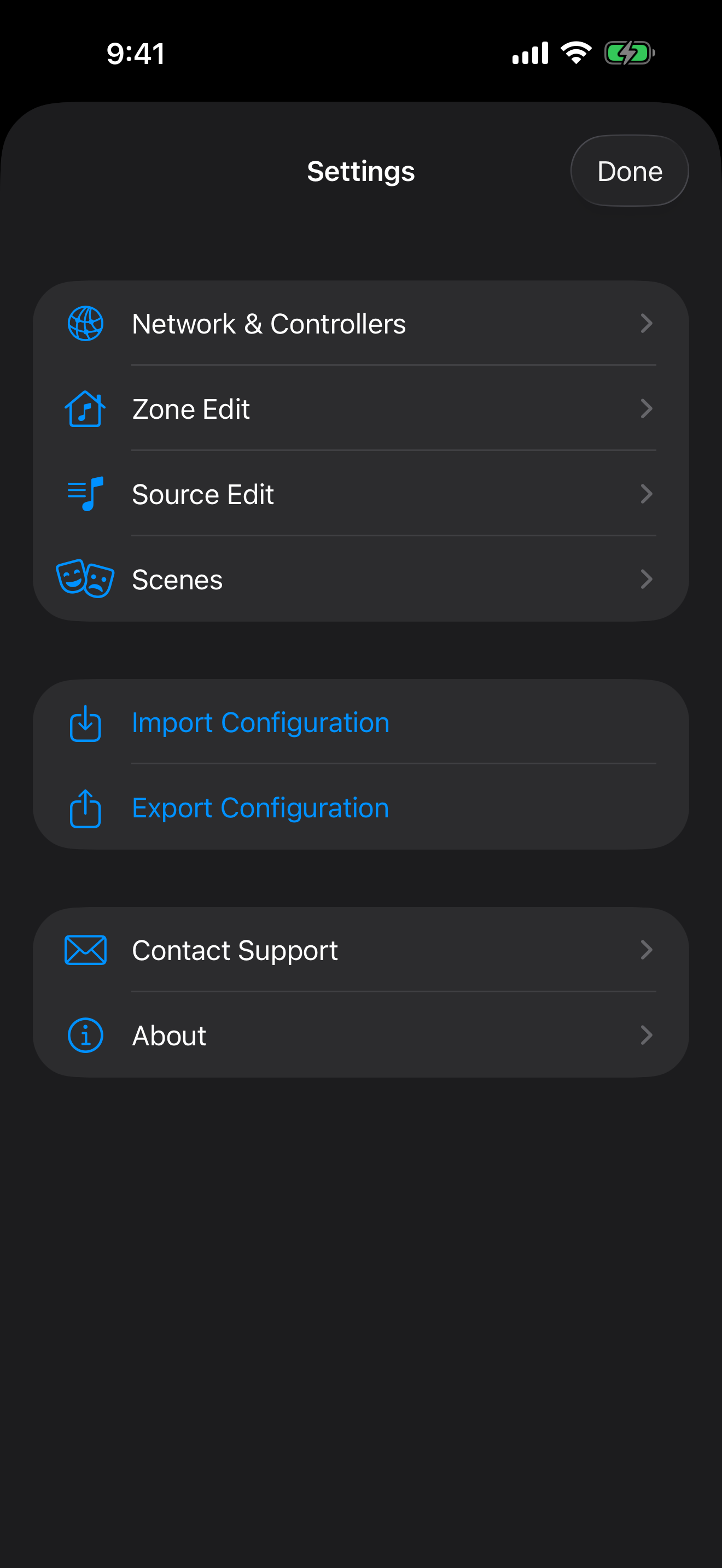
Import, save & back up
A longer screen recording, walking through the app on iPhone.
On iPad, CAV 6 Control uses a native split view — your full zone list stays visible on the left while you control any zone on the right.
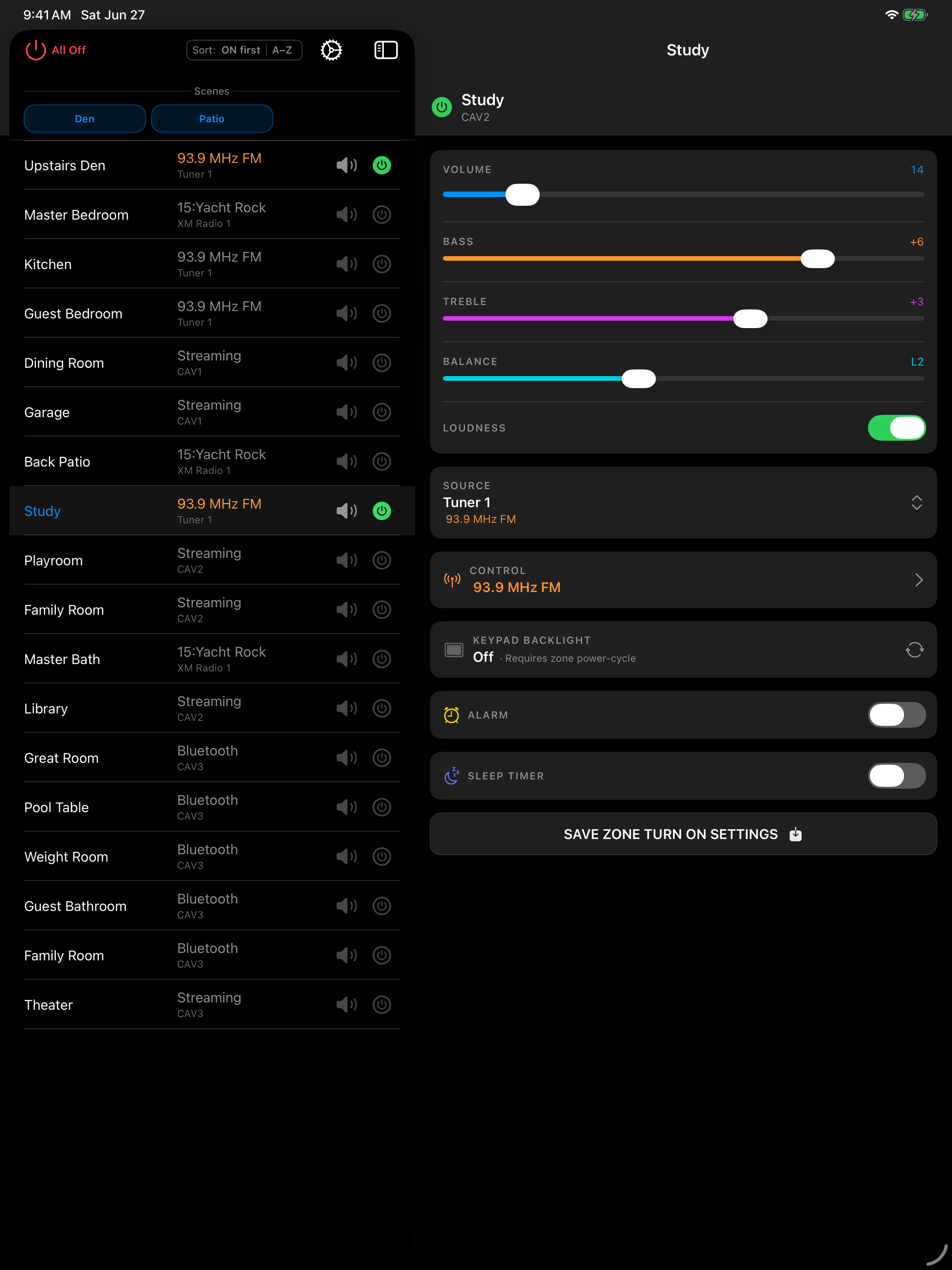
Zone list & detail side by side
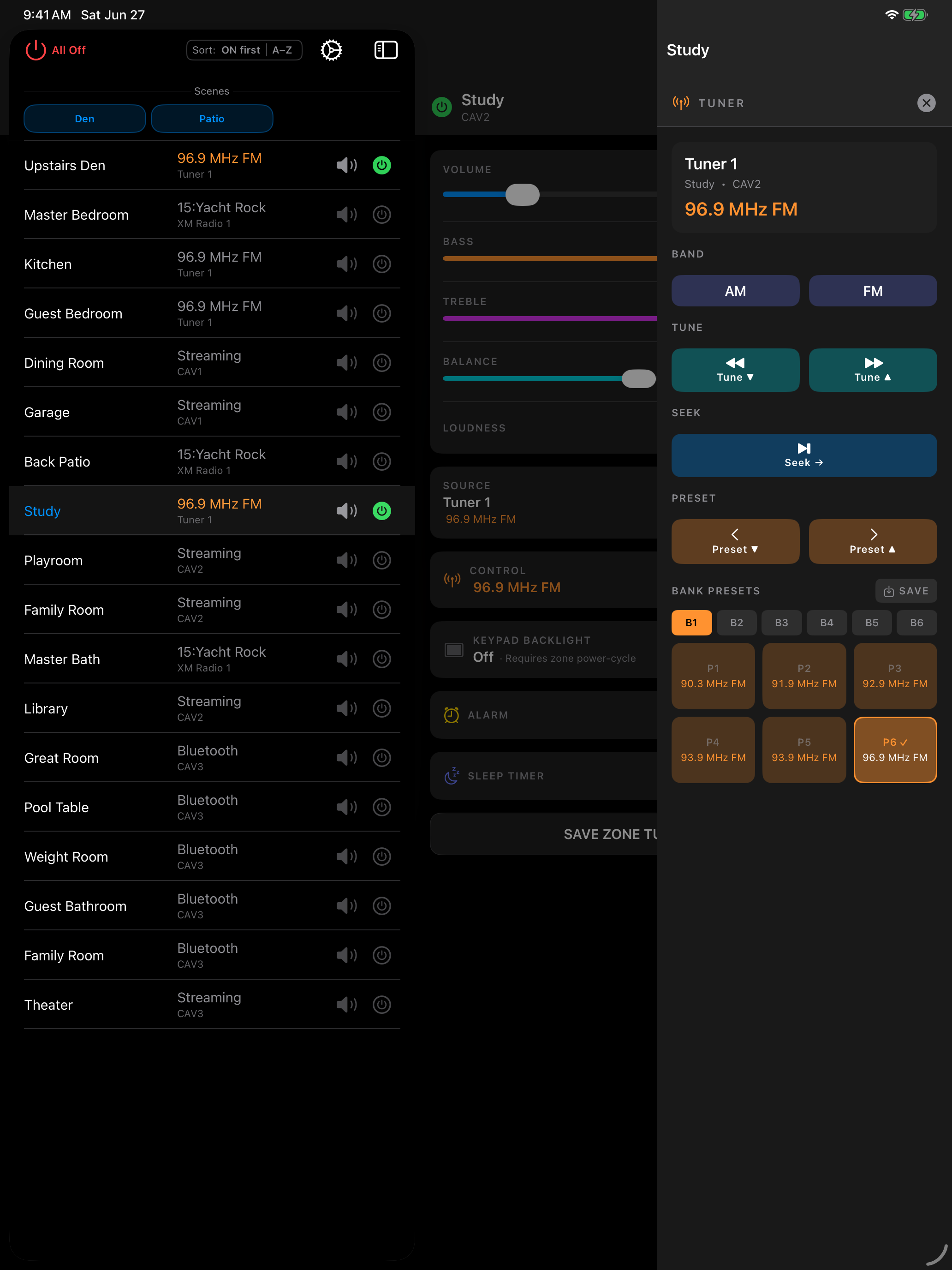
Tuner at full reach
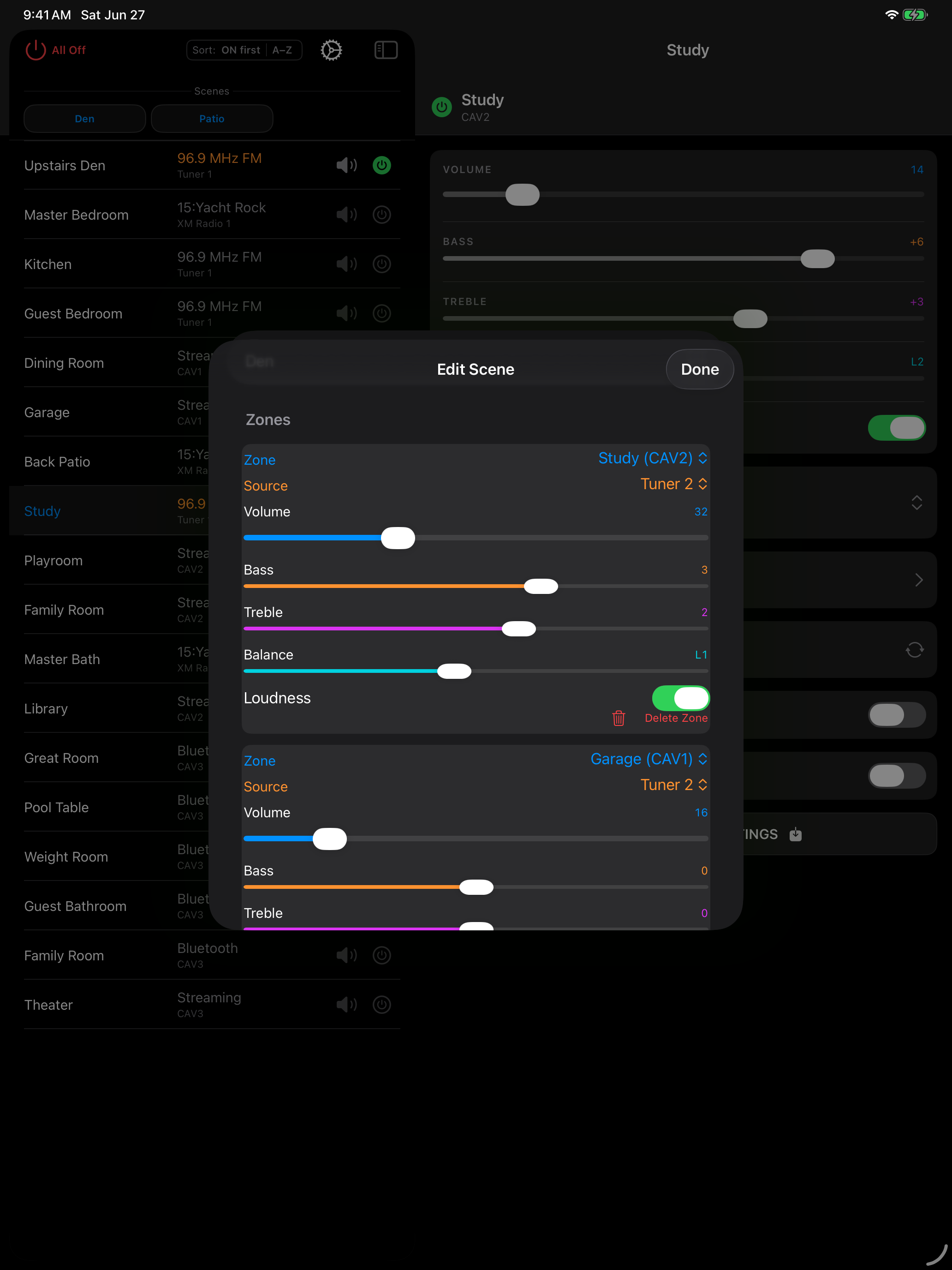
Scene editor
Everything you need to run a CAV6.6 system — and keep it safe.
Power, volume, source, bass / treble / balance, and loudness for every zone across up to six CAV6.6 controllers.
One-tap presets that orchestrate power, source, and audio settings across multiple zones at once.
Native control panels for ST2, ST2-XM, ST2-S, and SMS3 modules — bank presets, channel display, and now-playing metadata.
Schedule wake-up music and auto-off across any zone, with per-zone source selection.
Bring an existing CAV6.6 setup into the app in seconds — zones, sources, and controller layout — so you're ready to go without re-entering everything by hand.
Capture your complete system setup as a named configuration you can revisit, share, or restore whenever you need it.
Keep multiple backups of your system and roll back with confidence — perfect before experimenting with a new layout or scene.
Rename and arrange zones, label sources, and configure network and controllers — tailor the whole system to your home.
Setup guides, hardware recommendations, and troubleshooting — everything you need to get up and running.
Questions, support requests, or feature ideas? Email us at [email protected].